
Step 3 of Payroll set-up: your old payroll
In Hours & pay, open Payroll, then Payroll set-up. Step 3, Who is on payroll, asks first:
-
FirstHas this business paid staff through PAYE before, with this PAYE reference?
No, it’s a new PAYE scheme: HMRC knows nobody yet. Everyone you tick is new to HMRC, and each one needs a P45 or the starter checklist before their first pay.
-
If yesWhen did your old payroll last pay anyone?
Staff who started after this day are new to HMRC. Staff who started on or before it carry on. You can change this for one person on their Payroll tab.
-
If yesHave you paid anyone since 6 April, with other software, an accountant or by hand?
Yes: import your old payroll’s year to date, so tax and NI carry on. No (you switched at the start of the tax year, or you are a seasonal business): there is no pay to bring over, but each person who carries on needs their old payroll details, below.
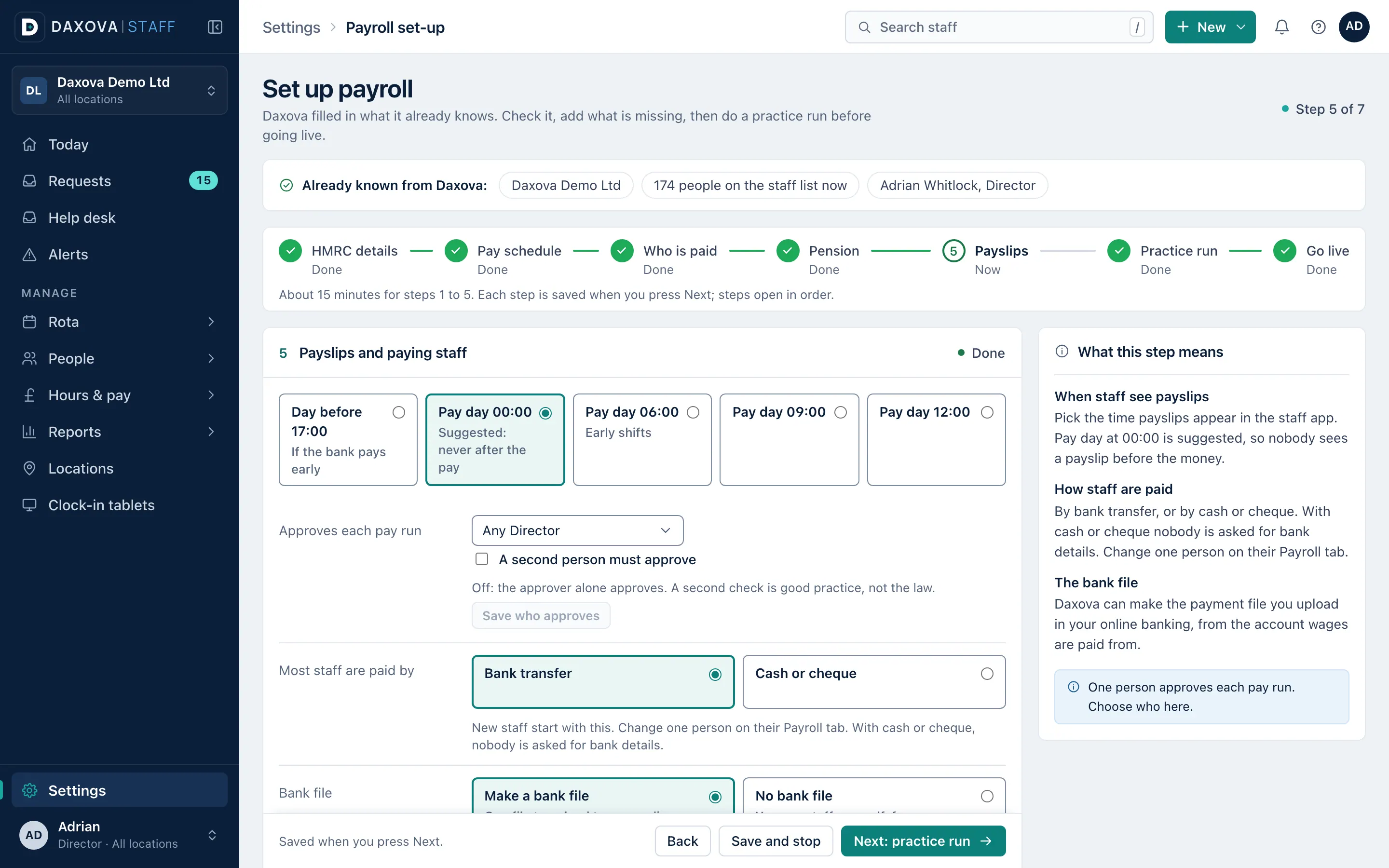
Old payroll, on each person’s Payroll tab
On their staff record, open the Payroll tab. The Old payroll card asks: Did your old payroll pay them?
- Yes, and they carry on: type the tax code HMRC gave them (on a P6 or P9, or their last payslip from the old payroll; Daxova never assumes 1257L), the payroll ID the old payroll used, and their NI letter. They are never sent to HMRC as a new starter.
- Yes, but it gave them a P45 when they left, and they came back: for example a seasonal worker. Give the day they started with you again. They are new to HMRC from that day, and get a payroll ID different from the old one.
- No, never: they are new to HMRC. Their first pay report says they started, with their start date.
If they are not a director now, Daxova also asks: Were they a company director at any time since 6 April? If yes, give the day it ended. Their NI is then worked out yearly for the rest of the tax year, as HMRC’s rules for directors say.
Someone who started within the old payroll’s last pay period may never have been paid by it. The pay run asks about them: Was this person paid by your old payroll?
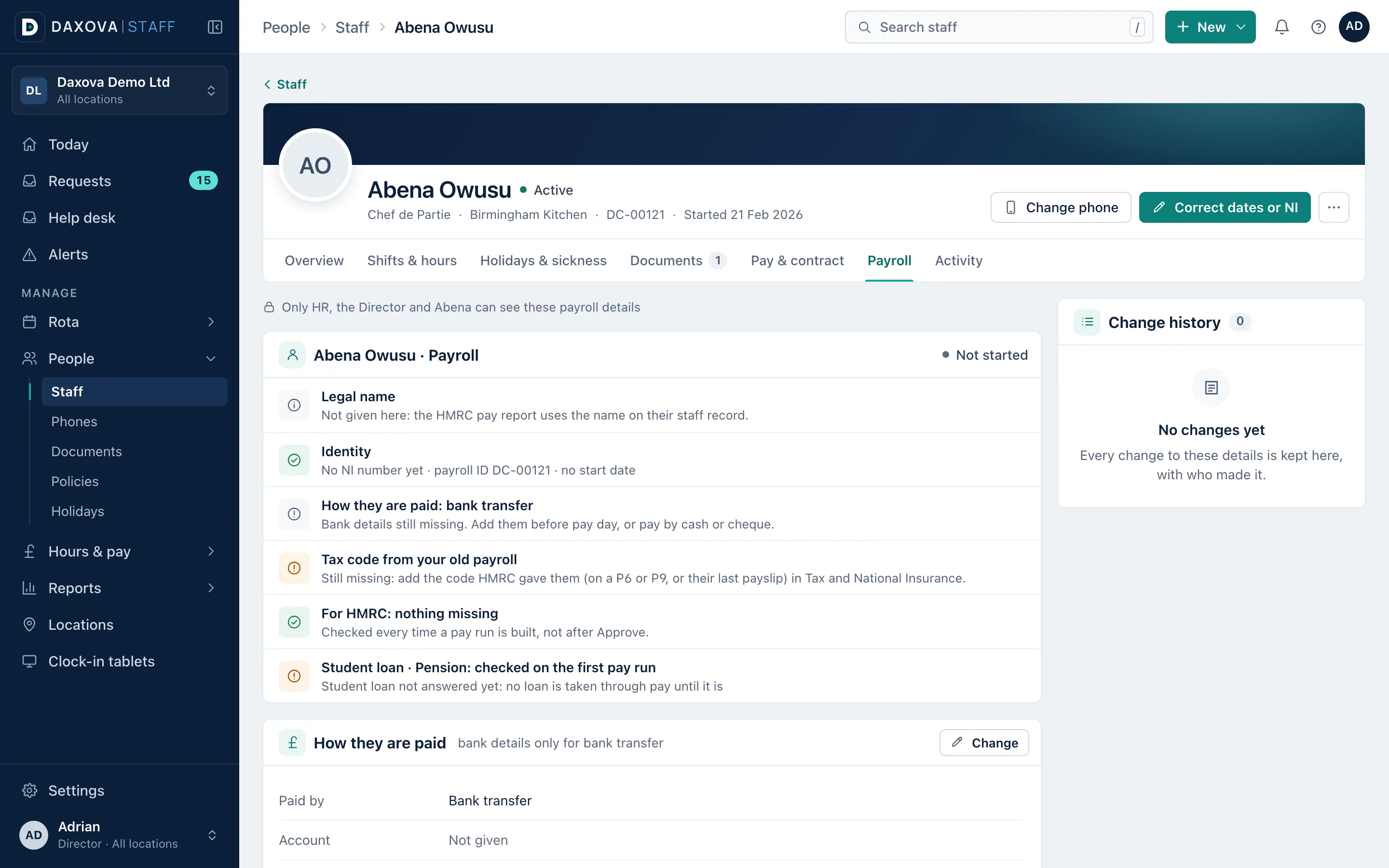
New starters: the starter checklist
Someone new to HMRC needs a P45 from their last job, or the answers to HMRC’s starter checklist. Their answers set their tax code.
- On the pay run, their first choice is Fill in the starter checklist with them. It opens the P45 and starter questions on their Payroll tab.
- Type their answers from the paper form, or fill it in together on screen. All the questions show at once.
- Their start date goes to HMRC with their first pay, even if they started years ago.
- If nothing arrives by pay day, you can pay them on tax code 0T this time, as HMRC says to.
Questions
Is everyone a new starter when I move to Daxova?
Only if this business never paid staff through PAYE with this PAYE reference. If an old payroll used it, the people it paid carry on: HMRC already has them, so they are never sent as new starters.
Which tax code do I use for someone who carries on?
The code HMRC gave them: on a P6 or P9 from HMRC, or their last payslip from the old payroll. Daxova never assumes 1257L for them.
What if the staff app is not on their phone?
Fill in HMRC’s starter checklist with them, on paper or together on screen, and type their answers on their Payroll tab. The pay run’s Fill in the starter checklist with them opens it.