Where to start
When your employer needs your details, a card called Set up your pay shows on the Today tab, marked Needed. Tap Start. If you closed the card, it is also under Me.
Each step is saved when you tap Next, so you can stop and carry on later. You need your National Insurance number, your bank card, and your P45 if you have one.
The four steps
- About you
Your first names and last name exactly as on your passport, your date of birth, your home address, and your National Insurance number. If you do not have one, tap I don't have one.
- Your bank
The name on the account, the sort code and the account number. The app checks they go together as you type. This step is skipped if you are paid by cash or cheque.
- Your tax
Got a P45 from this tax year or last? Copy a few boxes from it, and add a photo if you like. No P45, or an older one? Answer three quick questions about other jobs, pensions and benefits.
- Student loan
Say whether you have a student or postgraduate loan, and which plan. Then tap the Send button, which shows your employer's name.
What your employer sees
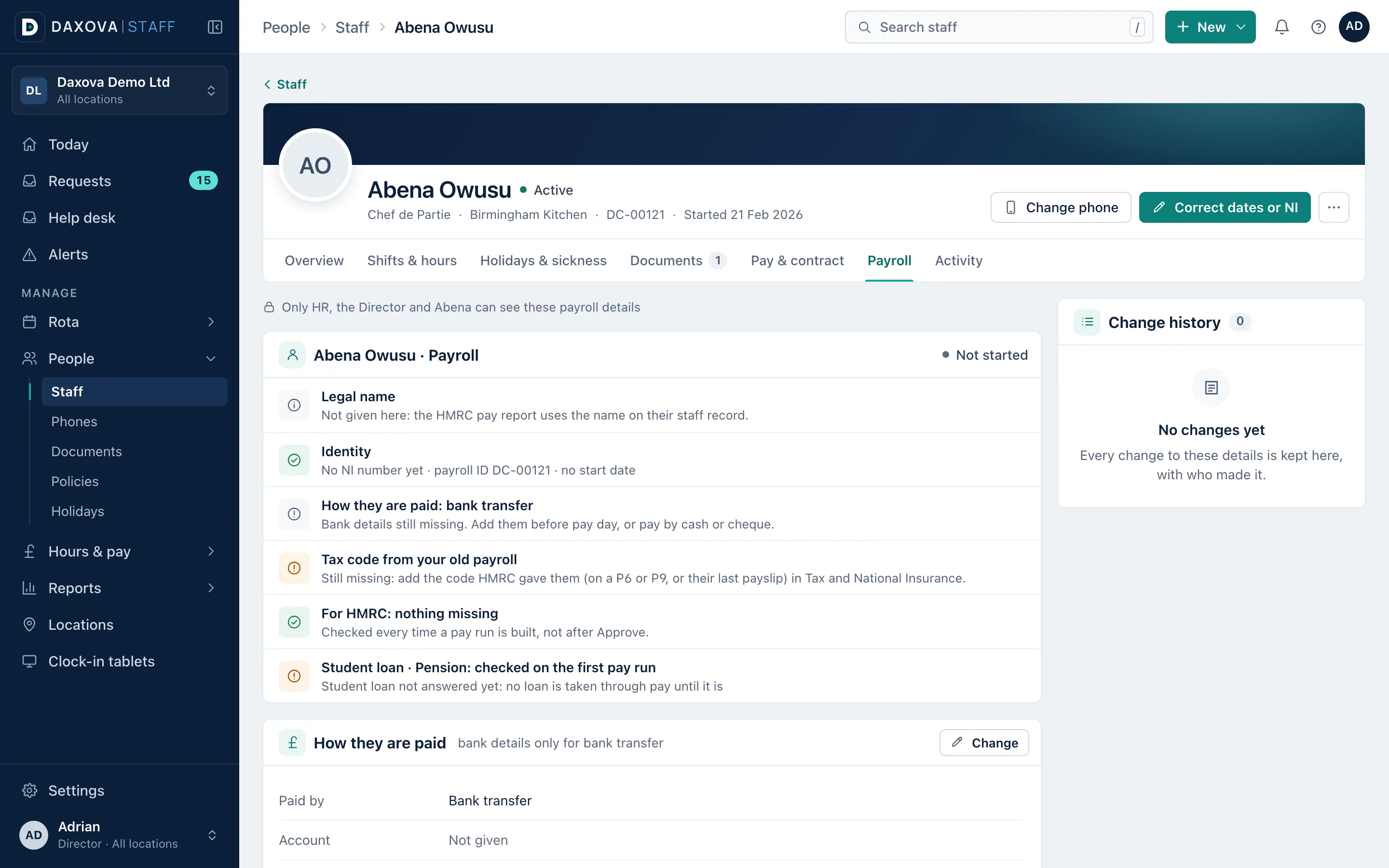
- Before you send: your staff record says Not started or Draft. Your answers are not shown.
- When you send: the Director is told in the portal, and Today shows you as Ready to approve.
- The Director checks and approves with one tap. That sets your tax code and starter declaration for payroll.
- Something wrong? They can send it back with a note. The app then says Change needed and what to fix.
Your employer only asks staff they have put on payroll. If you are not asked, there is nothing you need to do.
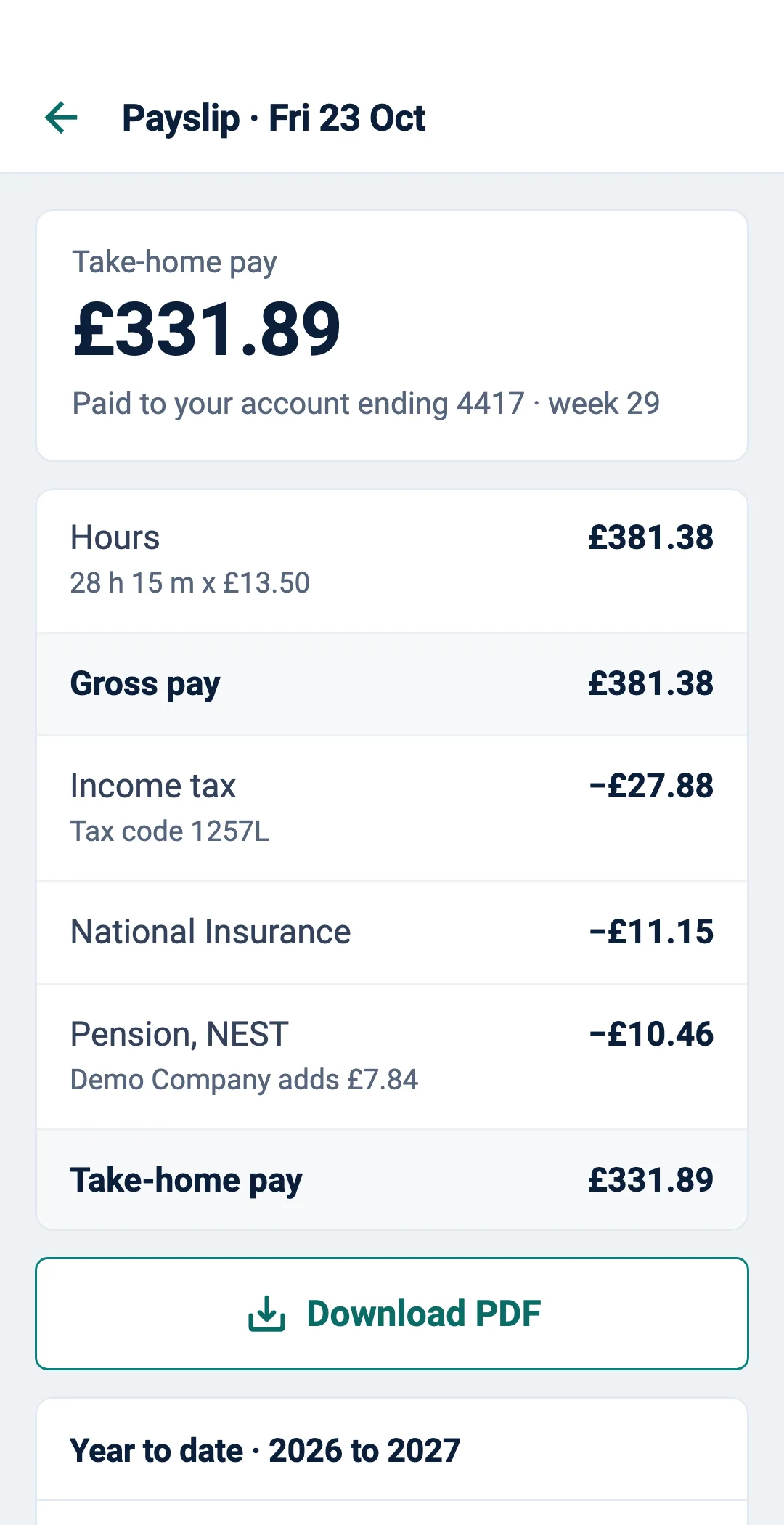
Where your payslip arrives. Made-up data.
Questions
Can my manager see my answers before I send them?
No. Your answers are saved as you go, but nobody at your employer sees them until you press Send.
I am paid by cash or cheque. Do I need to give bank details?
No. The app skips the bank step, so there are three steps instead of four.
I do not have a P45. What do I do?
Answer the three quick questions instead. They are HMRC's starter checklist, and they set your tax code for now.
Who chooses my tax code?
Nobody picks it. It is worked out from your P45 or your answers, and the Director approves it. HMRC can send a new one later.
Where is my payslip?
In the app, under Me, on pay day. You get a notification when it is ready.